Why is my Rule not executed?
You have written a Rule that should be executed and lead to a result, for example an email being sent out to a user, a value being assigned to an information or a comment that should be created. However, the expected result never occurs.
In the following you find possible solutions.
First, is it live?
Changes you make during configuration only take effect once you have put them live. Before investigating anything else, make sure your latest changes have been put live. See Put Live.
Add the rule to the process
A newly created rule is only useful if it is part of a process. Make sure you have added it to the process you want to use.
Go to the process overview screen and open the process you would like the rule to have an effect on.
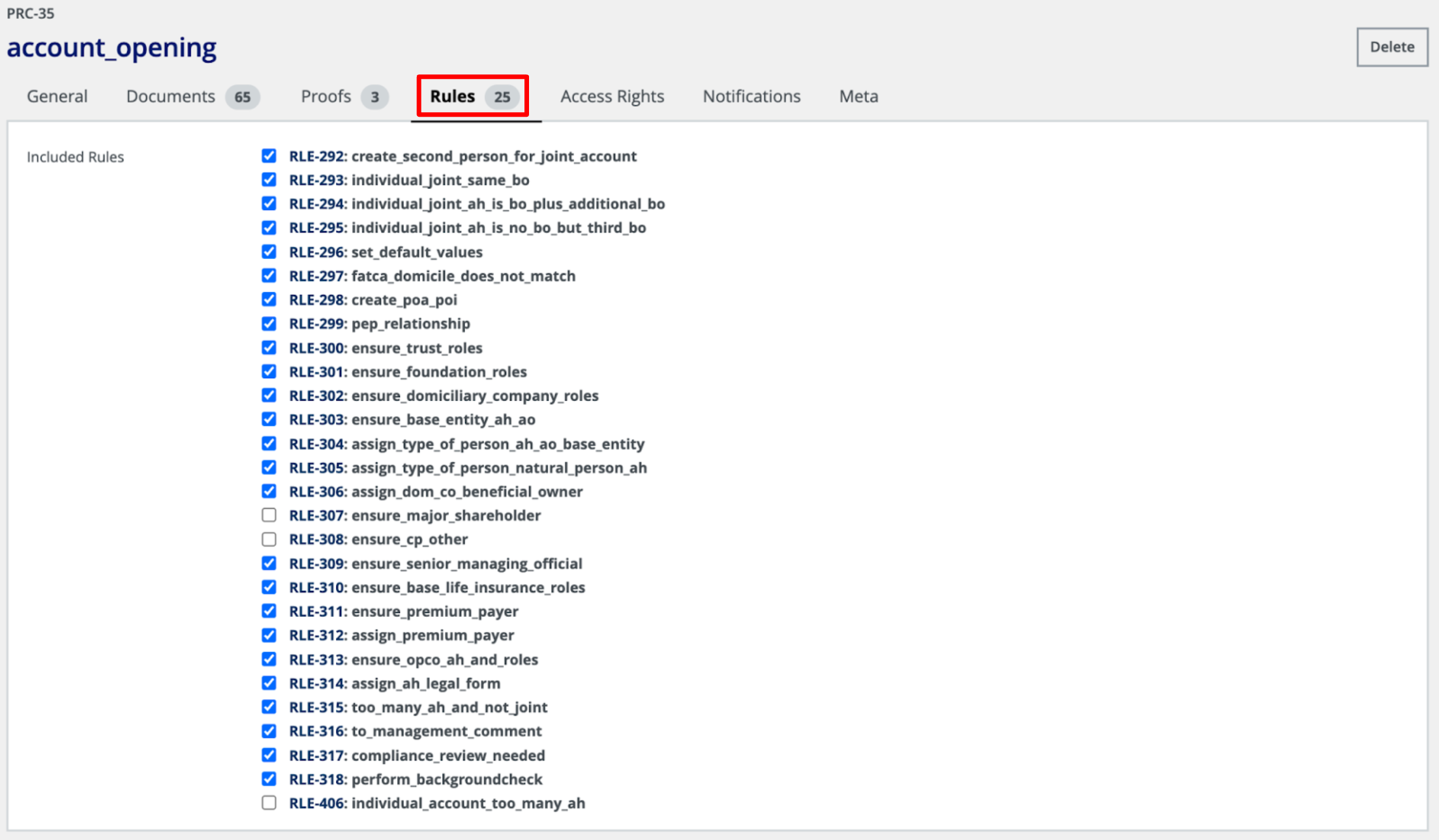
Add it to the process by clicking on the ‘Rules’ tab and then select the newly created rule.
And as always, don’t forget to Put Live in order for your changes to be applied.
Check whether the rule already ran once
(new in Atfinity 17)
If the rule has Run only once turned on, it runs for a match on the first evaluation where its condition is true and never again for that match, even if the condition becomes true a second time. A rule that worked once and then seems dead is usually behaving exactly as configured.
Keep in mind that what such a rule set is left behind as if a user had entered it, so changing that data by hand will not make the rule run again either. It also will not take its own values back when the condition stops being true.
If the rule should react every time, turn the option off. See Rules for the full behaviour.
Recheck the rule’s condition
Double check that the rule’s condition is written correctly and that the condition can and will be matched. If you are dealing with a very large and complex condition, it is sometimes helpful to build it little by little. Start by writing only a small part of your condition. Put live and check if your rule is executed now. If it works, keep adding parts to the condition, always checking if the rule is still working. This way you can isolate the flaw and correct it.